
A journal that is always with you, searchable, and never buried under stacks of unused paper.
Not everyone is built for paper planners. Some people lose them. Some abandon them halfway through the year. Others simply don’t want more physical clutter sitting on their desk, shelf, or tote bag. If you’re always on the move, juggling multiple devices, or thinking faster than you can write by hand, maybe digital journaling is for you.
Related story: The best planners to start (and actually stick with) in 2026
Related story: Stability, success, and switching paths: How careers really look today
These apps are for people who want to journal and plan without carrying another notebook around. For those who type between meetings, jot thoughts down on the train, or reflect at night with their phone already in hand. Your journal is always with you, always searchable, and never buried under stacks of unused paper.
Day One
Day One is the app I’ve stayed loyal to the longest. I’ve been using it since 2015, and it’s the one that’s followed me through different phases of life without forcing me to journal the same way forever.

Some days I start with a blank page. Other days I use a prompt. I type when I’m tired, write in digital ink when I want to slow down, and add photos, audio, or location details when memory matters. It lets me journal the way I need to at that moment.
The free version works on a single device, which is enough for many people. I eventually moved to the premium plan for syncing across devices and more media support, but the core experience stays the same.
GoodNotes
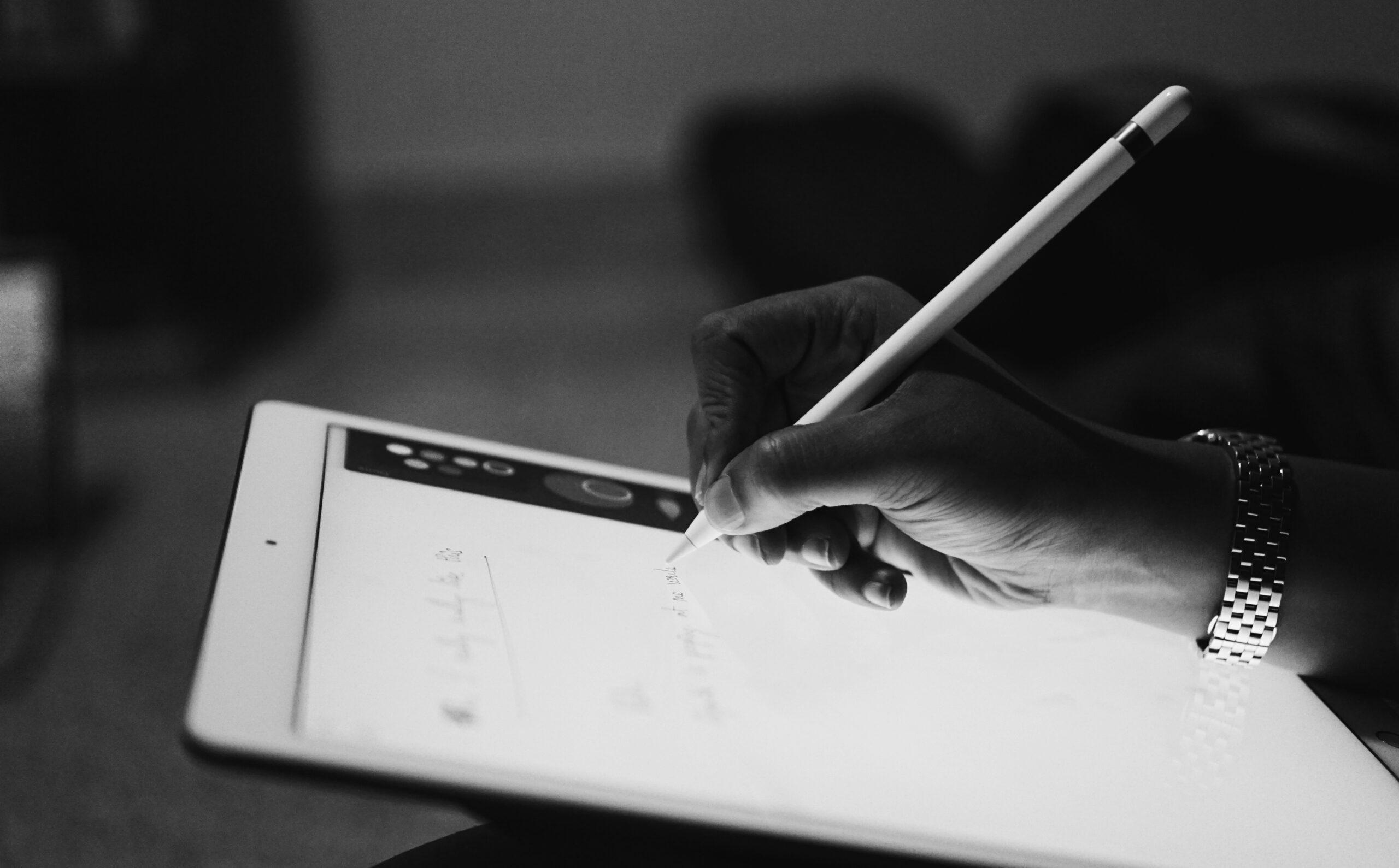
GoodNotes is where I go when I want the feeling of handwriting without the physical clutter. On an iPad with an Apple Pencil, it’s incredibly satisfying. I use it to jot things down digitally when typing feels too too much.
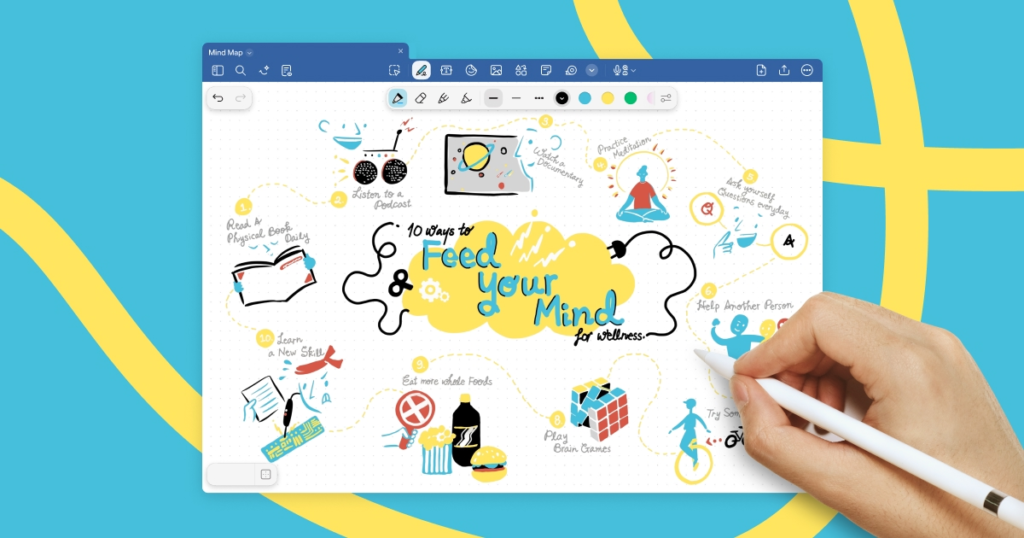
It’s especially good if you like freedom. You can import templates, write freely, organize notebooks, and still search your handwritten entries later. That alone solves one of my biggest issues with paper journals: thoughts I can never find again, sad.
For iPad and tablet owners, this is one of the most practical ways to keep handwriting in your life without accumulating notebooks you don’t know where to put.
Evernote
Evernote was my digital home for years. I used it heavily until around 2017, back when I wanted everything from work notes, ideas, pegs, links, and personal reflections to live in one place.
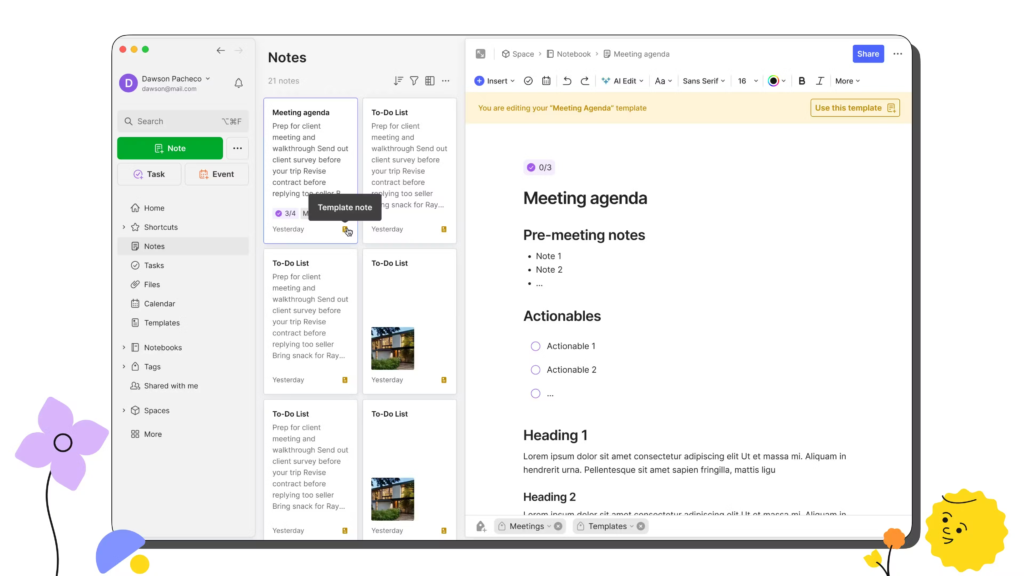
Notebooks, tags, and search make it easy to track how your thinking evolves over time. If your journal overlaps with work and productivity, this handles that well.
I eventually moved away as my needs changed, but it’s still a good option for people who want journaling to live comfortably inside a bigger and broader note-taking system.
Zinnia
Zinnia is what I use when I want journaling to feel creative. I started using it last year when I realized I missed scrapbooking but absolutely DID NOT miss the clutter.

Here, I can play with layouts, create digital stickers, layer photos, and decorate without paper cuts, storage issues, or drawers full of unused supplies. It scratches the creative itch while keeping everything contained and clean. Being in my thirties, I’ve learned I like creativity without clutter and this app gives me that balance.
Notion
Notion has been part of my life since the pandemic. I’ve planned entire seasons of my life in it. Work, goals, schedules, reading lists, reflections. Everything lives there, accessible on all my devices.
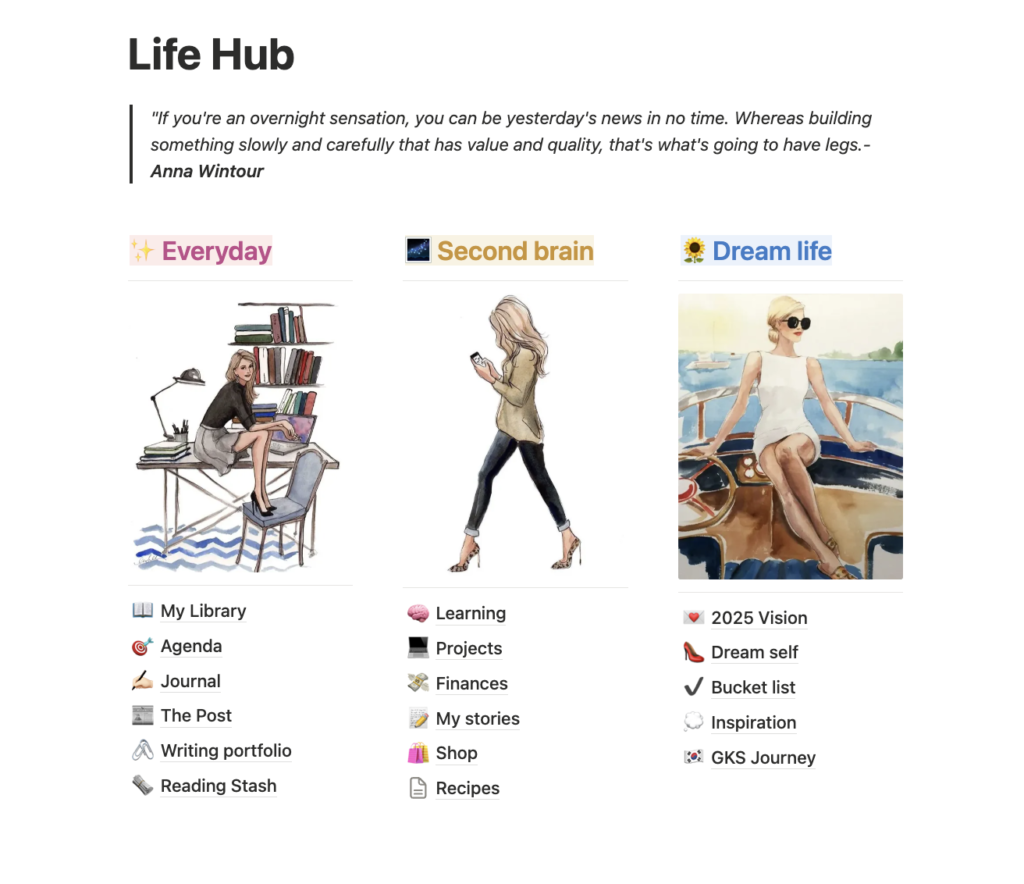
It’s not a traditional journaling app, but it’s powerful if you want your thoughts connected to your plans. I use it when journaling needs to sit alongside my goals and dreams. The AI tools help speed things up by creating tables and layouts instead of starting from scratch.
Used simply, Notion becomes a reliable second brain. I recommend this app to every creative professional I know, even friends. It gives me a bigger picture of how I want to design my year. And it’s fun too!
If you’re always on your phone, switching devices throughout the day, or trying to keep your physical space light and uncluttered, these apps make it easier to stay consistent.
Related story: 5 major Apple products to watch in 2026
Related story: Would you survive a month offline?